[ THE_SHORT_ANSWER ]
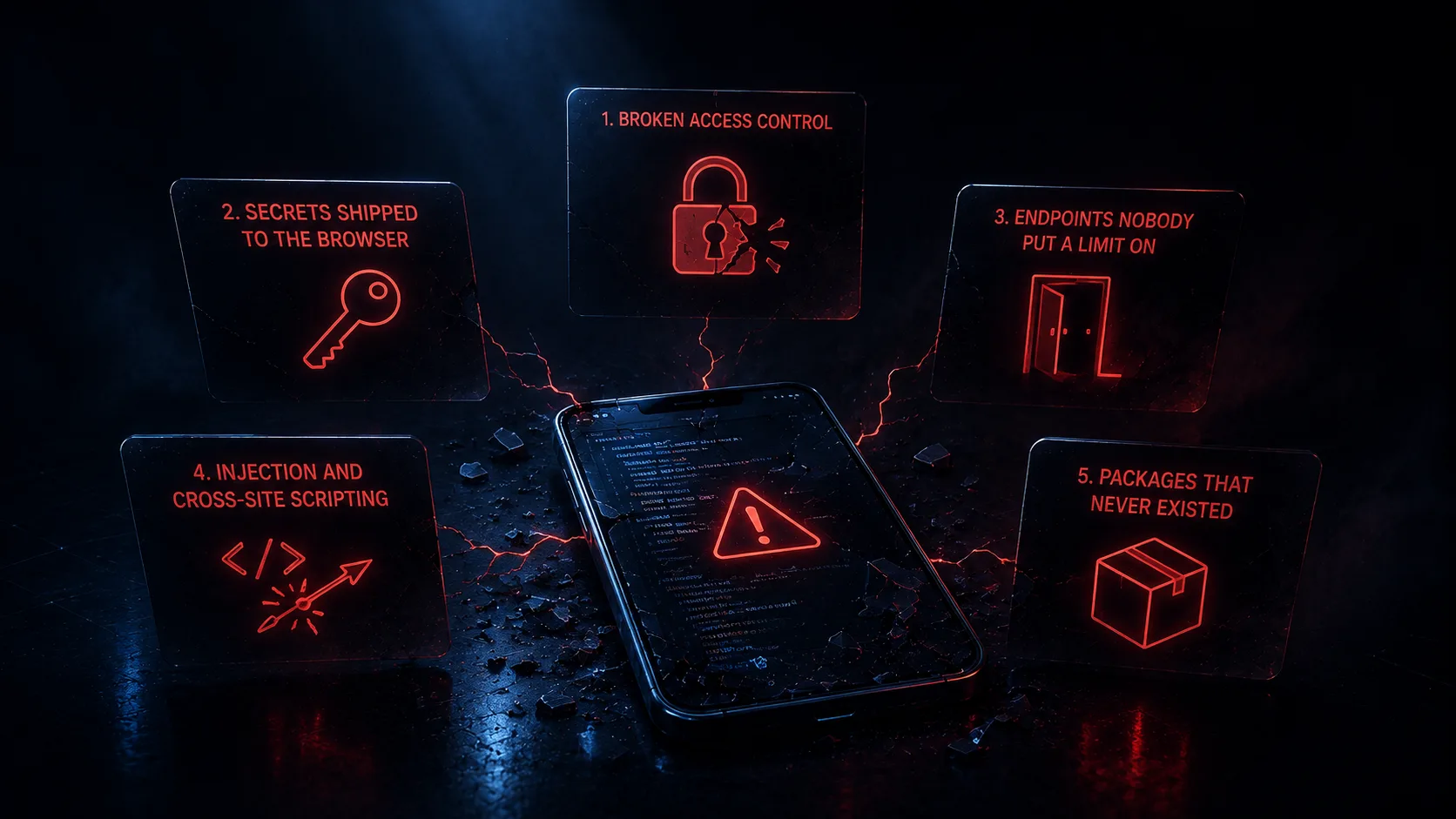
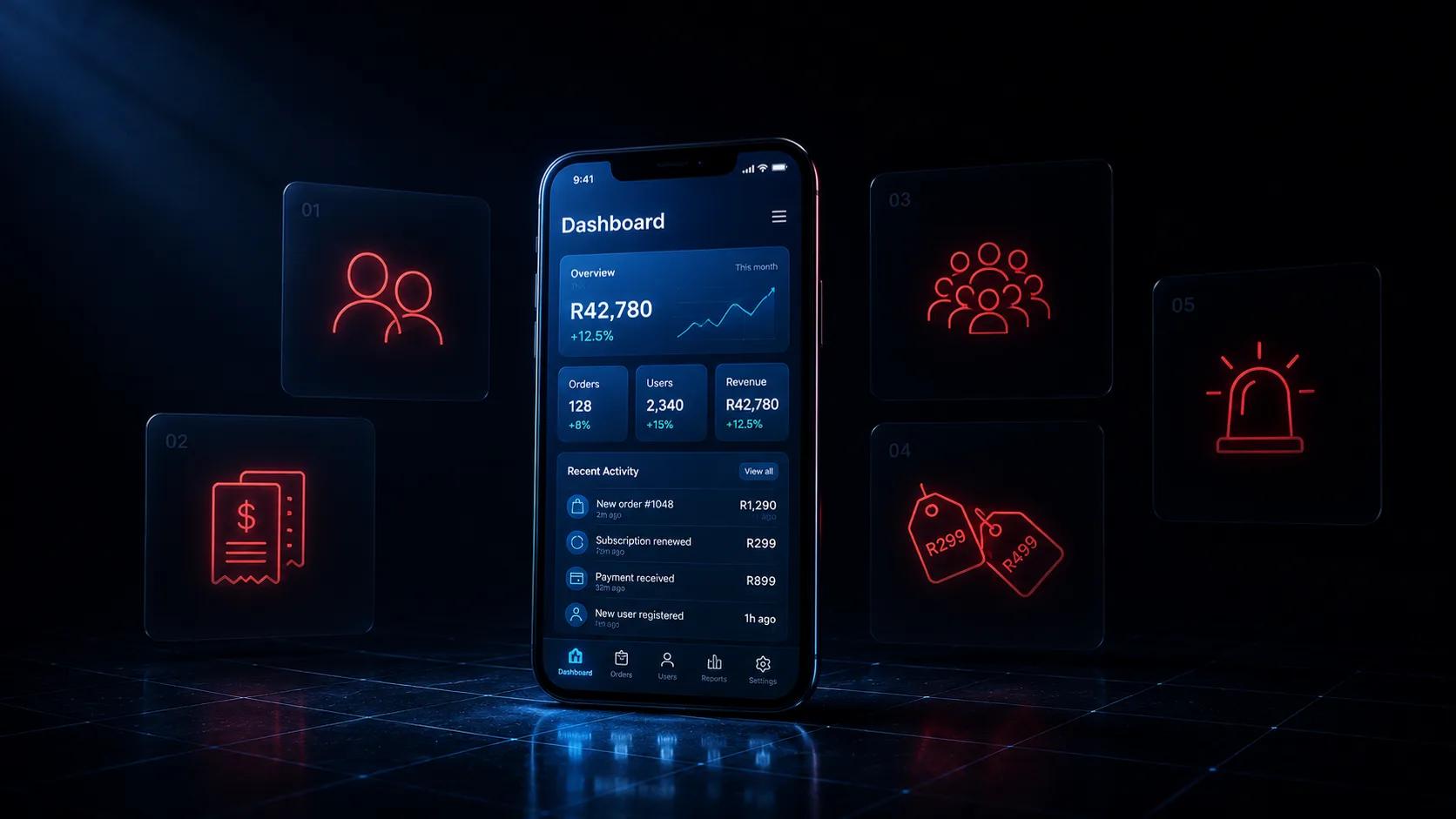
Research from Carnegie Mellon found that while 61% of AI-generated code functions correctly, only 10.5% passes security review. Working and safe to ship are different claims. These five checks cover five separate disciplines: security, financial correctness, scale, state integrity and observability. Each one is invisible when a single developer tests an app on their own machine, and each one can be run by a non-technical founder in an afternoon.
Why these five
Your app has been tested under one set of conditions. One developer, logged into one account, on a good connection, tapping each button once, against a database with about eleven records in it, while watching the screen.
Every failure on this list is invisible under exactly those conditions. That is the only thing the five have in common, and it is the reason they survive all the way to launch.
This is measurable rather than theoretical. A Carnegie Mellon study found that 61% of AI-generated code functions correctly while only 10.5% passes security review. Working is the easy bar and the models clear it. Stanford researchers found something more uncomfortable: in a controlled study, developers using an AI assistant wrote less secure code than those without one, and were more likely to believe their code was secure. Confidence went up while security went down.
A checklist earns its place here for one reason. The feeling of “I’ve used it, it works” comes from a test that cannot detect a single item below.
Two honest notes before the list. None of these problems belong to AI alone. A cheap outsourced build fails several of them, and experienced engineers have shipped every one of these bugs by hand. Generated code changes the rate rather than the list, because a model writes one file at a time, correctly, and never walks back out to check that file against the rest of the system. Each check below is also one you can run, without an engineer and without reading code. Where a check needs a developer, I have said what to ask them instead.
The five are ordered by how soon the mistake reaches you. If you want the engineering version instead, ranked by measured frequency across published research, that is where vibe-coded apps actually break.
1. Can one customer read another customer’s data?
This is the security check, and it is first because it is the only one that does not wait for you to succeed. It is available to a stranger on day one at zero traffic.
It is also, by a distance, the most common serious flaw in software generally. Broken access control is ranked number one in the OWASP Top 10 for 2025, and OWASP’s own testing found some form of it in 100% of applications examined.
Here is how to check it yourself, with no technical knowledge at all. Create two accounts in your own app. Call them A and B. Log in as A, create something real, a document, an order, a booking. Look at the address bar and note the ID in the URL. Now log out, log in as B, and paste A’s address into the browser.
You should be blocked. If B can see A’s record, you have the exact bug that leaked customer data at several well-known startups this year, and you have it before you have any customers.
Then ask your developer one specific question, because this part you cannot see from outside: “can a logged-in user read records that do not belong to them?”
The reason to ask it in those words is that the most common version of this flaw looks secure. On Firebase and Supabase, the rule that ships is often the equivalent of “allow this if the user is signed in.” It contains the word for authentication, it passes a glance, and it means every person who signs up can read every record you hold. Security scanners that examine apps built on these platforms list overly permissive rules as a distinct category from missing ones, because the permissive kind survives review far longer.
None of this is a criticism of Firebase or Supabase. They are excellent, we use them, and the permissive rule is a rapid-prototyping default that exists to stop you fighting your database on day one. It is only dangerous when nobody goes back and closes it, which is the normal outcome when the app works fine either way.
2. Can a customer be charged twice for the same thing?
This is financial correctness, and it is a different discipline entirely from the one above. It fires with a single user on a bad connection. It has nothing to do with how popular you are.
The check takes two minutes. Go to the most important thing your app does, taking a payment, confirming a booking, submitting the form the business runs on. Tap the button twice, fast. Then do it again, and this time turn on airplane mode in the second after you tap and before the confirmation appears. Turn it back on and see what your app believes happened.
You are looking for three outcomes, all bad. The charge went through twice. The money moved and no record exists. Or the app reports success for something that never finished.
There is a documented case of a payment race condition producing duplicate refunds and a $47,000 loss in six hours, from code where two requests for the same order both passed validation and both processed. Nothing was wrong with any individual line of it.
The word to ask your developer about is idempotency: whether doing the same operation twice produces the same result as doing it once. Nobody writes a prompt saying “and if the charge succeeds but the confirmation write fails, here is who resolves that,” so nothing in the generated code resolves it. A blank look in response to that word tells you what you need to know, and it is much cheaper to learn now than from a customer’s bank statement.
This is the compressed version of an argument we made at length in The Edge Cases Are the Product.
3. It works with 20 users. What happens at 10,000?
This is scale, and it is worth separating from the check above, because they get confused constantly. A perfectly correct app can still fall over under load, and an app that never breaks under load can still charge someone twice. Different disciplines, different fixes.
You cannot load-test an app yourself, so this one is three questions to ask, and the answers are legible even if the subject is not.
“What does the busiest screen actually load?” Generated data access has a habit of fetching an entire collection to display ten rows. That behaves identically at 50 users and at 50,000 right up to the moment it does not, and on usage-billed infrastructure the first symptom is an invoice rather than a slowdown.
“What happens if two people do the same thing in the same second?” Two customers taking the last seat. Two orders against one remaining item. This is where scale and correctness meet, and it is the version of the problem that only appears once you have enough traffic for coincidences.
“Is there a limit on how many times someone can try to log in?” Security researchers scanning apps built on AI coding platforms report that roughly four in five have no rate limiting on at least one authentication endpoint. Without it, someone can attempt passwords indefinitely, and your login page becomes a free service for testing stolen credentials. Treat that specific figure as directional, since it comes from companies that sell scanners, but the pattern is consistent across every scan published.
4. Can your app contradict itself?
This is state integrity, and it is the one people find hardest to believe until they see it.
Pick a rule your business would actually change. Your free trial is 14 days. Orders over R500 ship free. Cancellations are allowed up to 24 hours before. Now have someone search the codebase for it. Search for the number.
If it comes back once, your app has a place where that decision lives. If it comes back four times, in the checkout screen, in the confirmation email, in the admin view and in a scheduled job, then you do not have a rule. You have four independent opinions about your business, and the day you change the trial to 21 days, three of them will be updated and one will not.
Nothing breaks. No error appears. Some customers get 21 days and some get 14, the confirmation email says one thing while the app does another, and you find out months later from a support ticket that does not make sense. Nobody, including your developer, can tell you with confidence what your app does, because it does not do one thing.
This is the most AI-specific item on the list, and the mechanism is worth understanding because it is not carelessness. Reusing an existing rule requires knowing it exists, deciding it means the same thing here, and betting it will still mean the same thing next year. Writing a fresh copy requires none of that and always works. Asked for a feature two hundred times, the locally correct choice each time is to write something new, and you arrive at four copies without a single wrong decision along the way.
The measurement backs this up. GitClear analysed 211 million changed lines of code and found that duplicated code blocks increased eightfold in 2024, and that for the first time on record, copied code exceeded refactored code. Cloned blocks are associated with meaningfully higher defect rates. This is the shape of the vibe coding problem in one measurement.
5. When it breaks, do you find out, or does your customer?
This is observability, and it is last because it decides whether you ever learn about the other four.
Ask one question: “if this crashes for a customer in Durban at 9pm on a Sunday, what happens?”
There are only two possible answers. Either an alert fires and someone can see what broke, on which screen, for which user. Or nothing happens at all, and you find out if that customer cares enough to email you, which most will not. They stop using it instead, and your dashboard shows a number going down with no explanation attached.
Most AI-generated apps have nothing here, because error tracking is not something you would think to ask for. It never comes up while you are building, since you are watching the screen when things break. The industry has moved on this: OWASP added logging and alerting failures to its 2025 Top 10 precisely because not knowing is itself the vulnerability.
There is a second half to this check for anyone with a developer. Ask them to break something on purpose, change a price calculation to return the wrong number, then run whatever the project runs before it ships. Something should go red. If nothing does, every future change to this app is verified by a person clicking around and hoping, including the changes made at 6pm on a Friday and the ones an AI tool makes on your behalf next month.
If it passes
Then put it live.
That outcome is real and it is getting more common. This is not a list built so that nothing can pass it. Internal tools, small products, apps with a narrow surface and no money moving through them: plenty of AI-assisted builds clear all five, and the right response is to ship rather than to manufacture a reason for an engineer to be involved.
The checks convert a feeling into a fact. “It works when I use it” and “it holds up when other people use it” are different claims resting on different evidence, and only the first one is supported by a demo. That distinction is the whole of working code versus production-ready code.
If it fails one, fix that one. If it fails four, the useful thing to understand is that you are not looking at four separate problems. You are looking at one thing, which is that nobody stood back from the whole while the parts were being built, and the parts were each fine.
Either way you now own it, on whatever terms it was written under, which is the part that was never free.
[ NEXT STEP ]
Want someone to run these five against your actual codebase?
A Flutter Codebase Rescue is an audit and stabilisation engagement: we read what exists, find what will break under real users, and fix it in priority order without restarting the build from scratch. You get a straight answer on what holds up and what does not, and a codebase your team can ship from again.
SEE_CODEBASE_RESCUE →