[ THE_SHORT_ANSWER ]
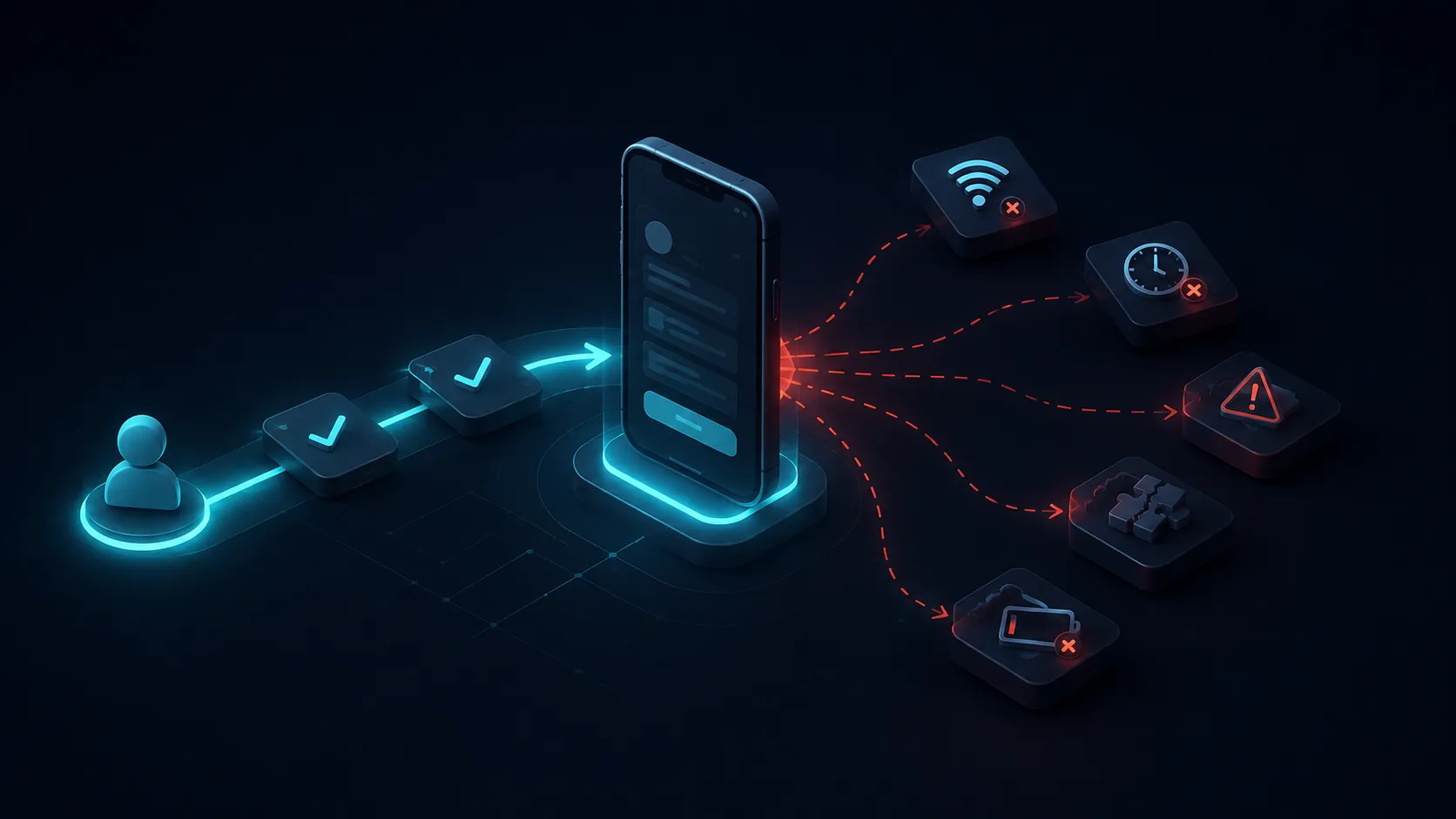
Working software handles the happy path. Software people actually trust handles everything else: the dropped connection, the double tap, the expired session, the phone call that interrupts checkout. That gap isn’t a punch list of bugs to clean up after launch. It’s the product. It decides whether someone keeps using your app or quietly deletes it without ever telling you why.
Somewhere out there, a user opened your app last week and never came back. You don’t know who. You don’t know exactly when. There’s no bug report in your inbox, no angry email, no one-star review explaining what happened. They were just in the middle of something, sending a message, checking out, uploading a photo, and something went wrong in a way they didn’t understand. In that moment, without really deciding to, they concluded your app couldn’t be trusted with their time. So they left.
Nothing necessarily crashed or threw a big red error. It was probably something smaller and quieter: an edge case nobody had gotten around to handling.
Demos and launch videos live entirely on the happy path: the clean, well-lit walk from “open app” to “task complete” that every AI coding tool is very good at building. Trust gets built or lost somewhere else entirely: when the network drops mid-request, when someone hits Back while a payment is still processing, when a push notification arrives while the app is backgrounded, when an access token quietly expires between two API calls on the same screen. None of this is exotic. It happens to real people, on real phones, constantly. It just doesn’t happen in a demo.
Flutter apps make this especially visible, because a real production app has to juggle a lot at once: async network calls, spotty connections, the quirks of two different operating systems, navigation stacks, permissions, and state, all live, all on someone else’s device. None of that shows up in a quick prototype. All of it shows up in production, usually in the first week.
1. The happy path is a fiction
Every app gets built, demoed, and judged on the happy path. Fast internet. Valid test login. A current phone. An API that answers in 200 milliseconds. A user who follows the flow exactly as intended, start to finish, without ever getting distracted or confused. The demo is that path, polished to a shine, and every screenshot, launch video, and walkthrough anyone sees before installing is footage of it. None of it shows what happens the moment that path breaks down.
It’s tempting to treat this as a harmless shortcut. It isn’t. Production doesn’t run on the happy path. It runs on whatever actually happens, which is messier. Anyone who’s spent time in the Google SRE book knows that failure in production isn’t the exception to normal operation, it’s close to the definition of it. Engineers who’ve lived through a few 2am incidents develop an instinct for this that no amount of happy-path testing will teach you.
Treating edge cases as something QA can catch later is a mistake, and not a small one. By the time a real user hits an unhandled edge case, the damage is already done. They’ve already decided something about how reliable your product is. Whatever they saw in that moment, a confusing error or the app just silently doing nothing, was the product to them right then. It told them something about whether this thing can be trusted.
The happy path confirms what people already expected. The unhappy path is where they actually learn something about you.
2. The Flutter edge cases that kill trust fastest
These are the failure patterns that show up again and again in real Flutter apps, usually invisible in testing, then suddenly very visible once real users hit them at scale. A perfectly reasonable thing a user does collides with a perfectly ordinary real-world condition, and the app’s behavior is whatever happens to happen.
Offline state and optimistic UI
You’re on a weak mobile connection and tap “Send.” The app marks the message as sent immediately, that’s a deliberate design choice called optimistic UI, and it’s usually the right one. The request queues in the background. A few seconds later the connection comes back and the queued request fires, except the user’s session expired in the meantime. The server rejects it. The message never goes through. The app still shows it as sent.
From the user’s side, the app just lied to them. It showed a message that was never delivered. The queue still needs an answer for what happens when the session expires underneath it: what happens to the queued request, what the screen shows in that moment, and how the app reconciles local state with the server the next time it syncs. Nobody decided those things, so the app just showed the user a version of reality that wasn’t true, and never corrected it.
Navigation during a payment
A user starts a payment. While it’s processing, they hit Back, or swipe back, or get pulled out of the app by a phone call. The screen that kicked off the payment is gone by the time the response comes back, so there’s nothing left to receive it. Depending on how the app is built, it either crashes trying to update a screen that no longer exists, or it just does nothing.
The payment might well have succeeded. The user has no way of knowing that. They see a crash, or silence, then check their bank statement, see the charge, and have no idea whether your app is aware the payment happened. So they contact support. Now you’ve got a support ticket, a confused customer, and a payment incident attached to your brand. Somebody has to decide, before the code is written, what a user should see when a payment succeeds but the screen that started it is already gone.
Token refresh race conditions
A screen loads and fires off three API calls at once. Unbeknownst to anyone, the access token expired thirty seconds earlier. All three requests come back rejected, and because nobody planned for this, all three try to refresh the token independently. Depending on how the auth system handles that, those simultaneous refresh attempts can interfere with each other, and two of the three end up failing anyway. The screen loads half-finished. No error appears.
The fix is straightforward once you’ve seen the failure: only ever refresh the token once. The first failed request triggers a single refresh, and everything else waits its turn and retries afterward. This never shows up in a prototype, because a prototype never fires three requests at once against an expired token. It shows up in production, usually within the first week of real usage. The user doesn’t experience “a race condition.” They experience an app that just randomly stopped working for no reason.
Permission requests with bad timing
A first-time user goes through onboarding. There’s a friendly custom screen: “We need camera access to scan your documents,” with a big “Allow Camera” button. They tap it. A split second later, the actual system permission dialog pops up, but its timing is slightly off, and it appears while the custom screen is still animating away. For a moment, both are visible. The user, trying to confirm access, taps where they think the system dialog is, but it’s actually the custom button underneath, which just closes the onboarding screen and never even triggers the real permission request.
The user did everything right. They followed the instructions on screen, and still ended up in a state where the permission was never granted, with no obvious way back in to fix it. A test plan rarely catches this, because whoever wrote the test plan already knows where the real button is. It shows up later as a mysterious dip in onboarding completion that nobody can quite explain.
Losing everything when the app gets backgrounded
A user is halfway through a multi-step flow, filling out a shipping address during checkout, say. A phone call comes in. The app gets pushed to the background. On a lot of Android phones, especially lower-end ones, the operating system will kill the app entirely to free up memory. When the user comes back, Flutter rebuilds the screen, but none of the data they typed in survives. They’re back at step one, with no memory that any of this happened.
This is normal mobile-platform behaviour, and production apps have to account for it. The fix means saving in-progress form data somewhere it’ll survive, and restoring it when the app reopens. No AI tool generates that by default, because nobody ever writes “also handle the case where the OS kills my app mid-checkout on a budget Android phone” into a prompt. What actually gets lost is the sense that the app was paying attention.
Scrolling and live updates
A user has scrolled deep into a long list. In the background, new data arrives and gets added to the top. The list rebuilds, and their spot in it is just gone, with no warning and no way back.
The first time this happens, it’s mildly annoying. The third time, it feels like the app is broken. By the fifth time, people switch to a competitor. The fix is to actively preserve scroll position through a background refresh. It sounds trivial, but it requires actually treating “where the user currently is” as state worth protecting.
What all six have in common
None of these show up in a crash log as a straightforward code defect. Every one is a situation nobody made a decision about: a queue with no plan for what happens if the session dies, a screen with no plan for what happens if the user leaves mid-flow, a state that was never even given a name.
Most edge cases start with a question nobody answered during development. Some of the answer is code. Most of it is a decision, and the code just carries that decision out.
3. Why AI makes this problem bigger
None of the six cases above would surprise a Flutter engineer who’s shipped real production apps. They’re just what happens when a real platform meets real conditions, over and over.
But every one of them depends on context that was never written into the prompt. Nobody types “build me a payment screen, and also handle what happens if the user hits Back mid-transaction while their session is expiring and the screen gets torn down.” They type “build me a payment screen with Stripe.” That’s exactly what they get: a very good implementation of the happy path, because the happy path is all the prompt described.
This is the same idea we explored in Working Code Isn’t Production-Ready Code. AI is very good at implementing a requirement once the requirement is clear, but edge cases are usually the requirements nobody wrote down. Handling them well takes the kind of instinct that mostly comes from having lived through a 2am incident: seeing firsthand what breaks first, how people react when it does, and what a good recovery looks like.
“Build me a checkout screen” is really only a spec for the happy path. It assumes the user has funds, the network cooperates, the API responds, and nothing interrupts the flow. The real product still has to answer questions like:
- What if the payment takes twenty seconds?
- What if the user closes the app while it’s processing?
- What if they tap Pay twice?
- What if the payment goes through but the confirmation never arrives?
- What if the connection drops mid-request?
- What if they come back tomorrow and the screen’s just gone?
None of those are coding questions. They’re product decisions, and the code can only reflect them once someone’s made a call. Ask an AI to build a checkout screen and it’ll build a competent, opinionated happy path, but it has no way of knowing what your product should do when reality doesn’t cooperate, because that was never part of what it was asked.
As AI keeps getting better at writing code, an incomplete spec becomes more dangerous, not less. AI can turn a half-finished requirement into something that looks finished and works great in a demo, very fast. That speed doesn’t close the gap. It just makes the gap easier to miss. The gap only closes with decisions made before the code exists, about what should happen, specifically, when this one thing goes wrong.
AI-written code can pass every test you’ve written and still fail in production. Often nobody tested the conditions that actually matter: a lost connection during payment, a token refresh race, Android killing the process while the app is backgrounded on a three-year-old phone with 3GB of RAM. Those aren’t hypothetical. Real users hit them on day one, without reading anything.
If that already describes an app you’ve shipped, a Codebase Intervention is built to find those gaps before your users do.
AI has made building the happy path genuinely cheap. That leaves knowing what the software actually needs to do as the scarce skill, and that’s the part that lives outside the happy path.
4. Designing for the unhappy path
Designing for the unhappy path means deciding how failure should behave before it happens in production.
Code implements behavior. Engineering is deciding what that behavior should be when things don’t go according to plan. For every action that matters: what does the app do if it succeeds, fails, takes too long, gets interrupted, happens twice, or happens while the user’s off doing something else entirely? If nobody’s made those calls yet, the code is being written against a description that doesn’t cover what will really happen.
In practice, this leads to a handful of engineering practices.
Make every state explicit
The most reliable way to avoid weird, unexpected combinations of states is to name every state that could possibly exist. A payment flow isn’t really “loading / success / error.” It’s closer to “idle / submitting / awaiting confirmation / success / failed but retryable / failed for good / session expired mid-submission.” Each of those has its own defined screen. Moving between them is deliberate and tested. If every state has a name, there’s no combination of user behavior and bad network luck that can land the app somewhere nobody planned for.
Make repeat actions safe
If someone taps “Pay” twice, does that charge them twice? Just disabling the button after the first tap only helps until the network itself gets confused about what happened. The real fix lives on the backend: the app sends a unique key with every important request, and the server recognizes that two requests with the same key represent the same action, so it only processes it once. That solves both the double-tap problem and the “the queue somehow fired twice” problem, and it works no matter what the app on the screen is doing at the time.
Think through offline behavior deliberately
Designing properly for offline use forces a level of clarity that pays off even for users who are always connected. It forces real decisions: which data lives on the device, which requires the server, how conflicts get resolved, what counts as stale. Making those decisions on purpose, instead of quietly assuming every network call will succeed and arrive in order, tends to make the whole architecture sturdier.
Treat error states as real design work
Every screen that can fail deserves an actual designed state for failure, not a generic red banner slapped on top. Something that explains, in plain language, what went wrong, what the user can do about it, and whether the thing they were trying to do actually happened or not. “What does this look like when the API fails?” is a design question that should get answered before anyone starts building, not after the first support ticket.
Questions worth asking before you build anything
- What happens if the connection disappears?
- What happens if someone does the same thing twice?
- What happens if they leave in the middle?
- What happens if the action succeeds but the confirmation doesn’t arrive?
- What happens if they come back a day later?
- What happens if two things happen at once?
- What happens if someone does something nobody anticipated?
If nobody answers these before development starts, production will answer them instead. Whatever the first real user happens to do becomes the first version of the app’s behavior.
5. What this means for your product
No product survives at scale without failing sometimes. Networks drop. APIs time out. Tokens expire. Phones get backgrounded at the worst possible moment. Your app will encounter all of this regularly, for as long as people use it. The difference is in how it responds.
Apps that keep their users after something breaks are the ones that communicate clearly in the moment, recover gracefully, and never lose the user’s data. Apps that lose people after the exact same failure are the ones that go silent, throw up a confusing error, or strand the user somewhere they don’t understand and can’t get out of.
That kind of recovery, clear, graceful, no data lost, is genuine engineering work. If a payment goes through but the connection drops before the confirmation arrives, someone has to decide what the user sees, what the system does next, and what happens if they try again. That’s design and engineering, done at the same time, by the same decision.
Your product is every decision, made or avoided, about what happens when things don’t go right. Getting those decisions right is usually the entire difference between an app people keep using and one they try once and quietly delete.
That’s why AI raises the stakes on the spec instead of lowering them. Those decisions belong at the start, before development, because by the time code is being written, they’re being made anyway, usually by accident, and usually without anyone noticing until a user does.
If you want a fast way to find out whether a development team thinks this way, the two questions in Hiring an App Developer? Two Questions Every Founder Should Ask First will surface the answer in about thirty minutes. The first one, “when this breaks, do you know how to fix it?”, is built specifically to separate real engineering discipline from confident-sounding vibes.
[ NEXT STEP ]
Want engineers who design for the unhappy path from day one?
Scoping is where these decisions get made, before development starts. We map the failure modes that matter for your product, decide what should happen when each one occurs, and make sure the architecture is built to handle them, rather than discovering them in production.
BOOK_A_ROADMAP_CALL →